
A CREATOR'S GUIDE TO RECORDING AUDIO

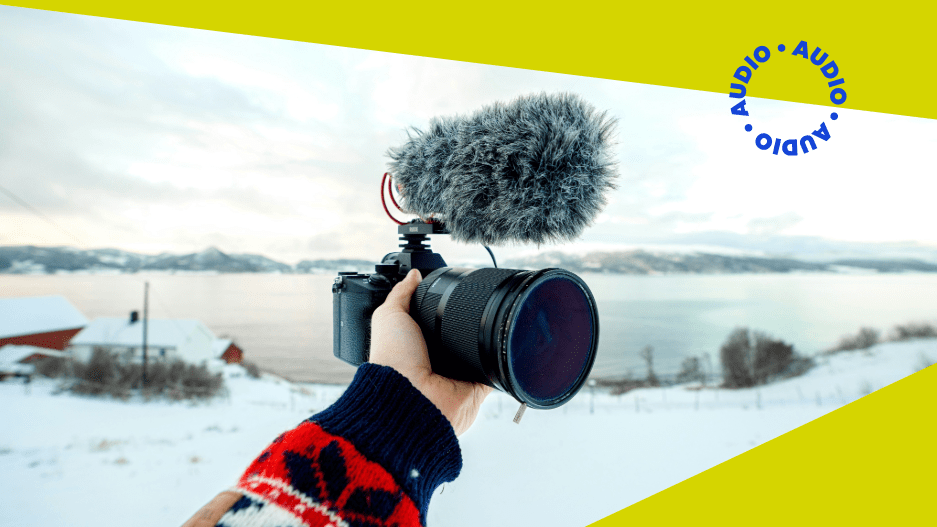
Spend five minutes on YouTube, Instagram, or TikTok and you’ll notice something straight away. The content that feels the easiest to watch usually sounds clean, balanced, and comfortable to listen to. When audio is smooth and natural, you relax into it. When your piece of content sounds echoey, harsh, or uneven, it’s distracting.
If you’re filming YouTube videos, posting Reels, or creating content for your small business, strong audio supports everything you do. And it’s far more achievable than most people expect! Once you get comfortable with a few core technical fundamentals, recording high-quality sound starts to become second nature.
Choosing the Right Mic for Your Space
When content creators start improving their audio, the first thing they usually look at is the microphone. That makes sense - it’s the most visible piece of gear. But the microphone only works as well as the space you’re using it in.
If you’re recording in a bedroom or home office, a dynamic microphone is often a practical choice. Dynamic mics focus on the sound directly in front of them and reduce much of the surrounding room noise. That helps keep echo and background distractions under control, even if your room isn’t acoustically treated.
Condenser microphones capture more detail and brightness.They’re widely used in professional studios for music and voiceover because they pick up subtle nuances in a voice. In untreated spaces, though, that added sensitivity can emphasise reflections from walls, keyboard taps, or even traffic outside.
For many YouTubers, podcasters, and social creators working from home, a cardioid dynamic microphone offers a comfortable balance of clarity and control. Cardioid simply means the mic captures sound from the front while reducing sound from the sides and back.
And once you’ve chosen your mic, placement becomes just as important as the model itself. Keep it around 4 to 8 inches from your mouth and angle it slightly off to the side rather than directly in front of you. That softens the popping sounds on certain words. Adding a pop filter or foam windscreen gives you even smoother results. These small adjustments can noticeably improve your audio.
Your Room Shapes Your Sound
It’s easy to blame equipment when audio doesn’t sound right, but the room often plays a bigger role.
Sound reflects off hard surfaces like bare walls, wooden floors, windows, and large desks. Those reflections bounce back into the microphone, creating that hollow or echoey quality many creators struggle with. Even a high-end microphone will struggle in a very reflective space.
The good news is that you don’t need to build a studio. Simple changes can make a real difference:
- Add a rug if you have hard flooring
- Close curtains over large windows
- Record near sofas or other soft furnishings
- Use bookshelves to break up flat wall surface
Smaller spaces with softer materials often produce tighter, clearer recordings. Even a wardrobe filled with clothes can reduce reflections because fabricabsorbs sound naturally.
One habit that helps immediately is wearing headphones while recording. Monitoring your audio in real time lets you hear background noise, echo, or distortion as it happens. It’s a small step that saves a lot of editing later.
Set Your Levels for Clean Audio
Getting your levels right is one of the simplest ways to sound more professional.
Before recording, speak at your normal performance volume and watch the audio meter in your software. You want consistent movement without the levels reaching the very top. If the signal peaks too high, distortion creeps in. If it’s too low, boosting it later can introduce hiss or unwanted noise.
Aim for strong, steady levels that sit comfortably below the maximum. Clean input makes editing smoother and your final result more consistent.
It’s also worth recording a short test clip before starting your full session. Play it back through headphones and listen carefully. That quick check often catches small issues before they become big ones.
Use Simple Recording Settings
You don’t need complex technical configurations for YouTube videos, podcasts, online courses, or social content.
For high-quality results, set your recording format to the following if your software allows it:
- 48 kHz sample rate
- 24-bit depth
Most modern recording apps and audio interfaces support these settings by default. They work well alongside video content and give you flexibility during editing.
Beyond that, consistency is your best friend. Using the same microphone position, room setup, and recording settings each time helps you build a workflow that feels easy and predictable.
Reduce Background Noise Before You Press Record
It’s always easier to prevent noise than fix it later. A few small checks before you start recording can noticeably improve your final audio.
Take a moment to listen to the room. Turn off fans or air conditioning if possible, silence notifications, and keep your microphone away from noisy keyboards or hard surfaces. Using a mic stand or shock mount helps reduce vibrations travelling through your desk into the mic.
If you hear a hum or buzz while monitoring, it’s worth investigating before you continue. Background noise can come from power outlets, cables running too close together, or nearby electronics. Adjusting your setup slightly or moving equipment around often reduces the issue.
Editing software can help tidy up minor noise, but audio always sounds cleaner and more natural when the recording starts strong. A short setup check before you press record makes a real difference.
Light Editing for a Polished Finish
Once you have a clean recording, subtle processing can refine it.
Compression helps smooth out volume differences so your voice feels even and controlled throughout. Equalisation, or EQ, can gently reduce low-end rumble and enhance clarity in the upper frequencies. These tools should support your voice rather than dramatically reshape it.
If you find yourself using heavy processing to fix issues, it’s usually worth revisiting your microphone placement or room setup first. Quality source audio makes everything easier.
Recording Interviews and Collabs
If you’re hosting remote podcast interviews or filming collaborative content, try not to rely only on standard video call audio. Internet platforms compress sound, which can reduce clarity.
Whenever possible, ask each participant to record their own audio locally. This gives you higher-quality sound and more editing flexibility. There are also dedicated remote recording platforms designed specifically for capturing separate, high-quality files for each speaker.
Setting up a simple backup recording takes seconds and can protect an entire episode. It’s always worth doing.
Strengthen Your Content With Music
Once your voice sounds clean and balanced, music can shape the overall feel of your content. A consistent intro theme, subtle background track, or transition cue helps your videos or podcast episodes feel cohesive and recognizable.
If you're looking for your next track to perfectly fit your content, Universal Music for Creators provides access to over 50,000 copyright-safe tracks and an extensive sound effects library. That means you can confidently add music to YouTube videos, podcasts, Reels, and branded content without worrying about copyright claims.
For spoken content, choose music that supports your voice rather than competing with it. Minimal instrumentals work well under dialogue, while stronger themes like rock can define your intro and outro. Browse by theme or genre to find tracks that align with your tone and audience!
Clear Sound, Stronger Content
Great audio comes down to thoughtful mic choice, smart placement, a controlled room, clean levels, and simple, consistent habits. When you focus on capturing clear sound at the source, everything else - from editing to music picks - becomes easier. Get the fundamentals right, and your content will instantly feel more polished, professional, and enjoyable to watch.