
HOW TO CAPTURE THE MAGIC OF WINTER ON VIDEO

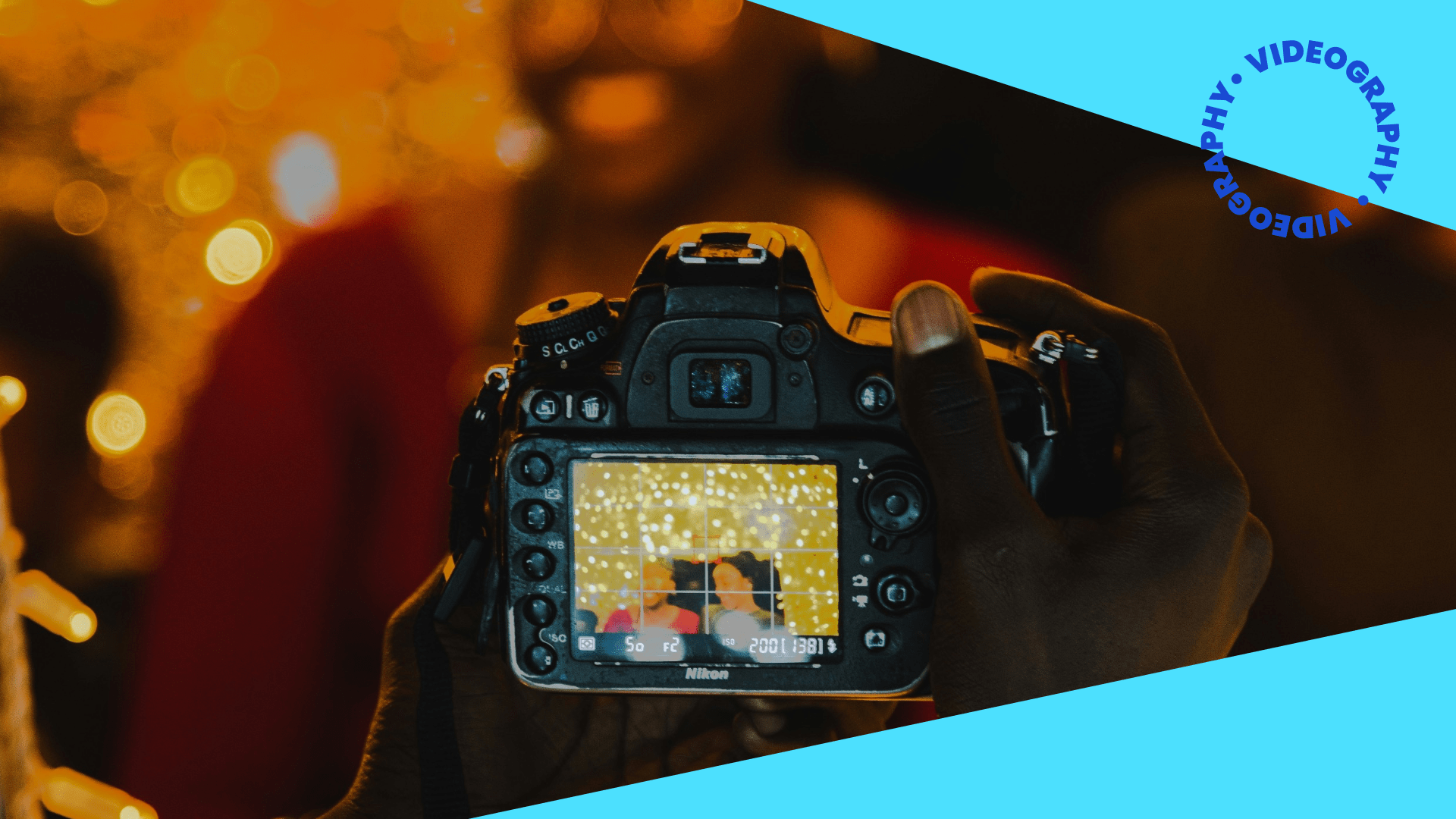
Winter has a way of transforming everyday places into scenes that look and feel cinematic. Lights turn on earlier, colors look richer against darker skies, while reflective surfaces like wet pavements and frosty windows bounce light around, making even a simple walk more atmospheric.
To make the perfect winter video, you don’t need high-end gear or complicated techniques; you just need to know these basics!
Choosing Gear That Fits How You Shoot
Many creators film winter content entirely on their phones. Modern smartphone cameras handle mixed lighting well, and night modes brighten shadows while keeping details intact. Modern iPhones and Android devices brighten dark areas, smooth out noise, and balance color automatically in night scenes. On iPhone devices, if the lights in your shot look a little too bright, you can tap to focus - then drag your finger down to lower exposure, an easy way to keep winter lights from appearing washed out.
If you’re looking for more creative control, a mirrorless camera gives you more room to shape your footage. Larger sensors handle darker scenes better, so your video stays cleaner even when you raise the ISO. Pairing the camera with a wide-aperture lens (like a 35mm at f/1.8) lets in more light and creates softer background blur, which is great for winter bokeh.
Stabilization also matters at night. Phones use a mix of optical and digital stabilization, which works well for casual handheld shots. Most modern mirrorless cameras often include built-in stabilization that helps keep footage sharp when moving around. To make your content even smoother, try adding a small gimbal or tripod to help avoid the slight camera shake that’s more noticeable in low light.
Don’t be fooled by the darkness and drop your shutter speed too low unless you want motion blur in Christmas lights or movement. The correct shutter speed depends on your subject: a fast shutter speed such as 1/1000 sec freezes action (like a running person or a bird in flight), while a slow shutter speed (e.g., 1 second) blurs movement in water or creates intentional light trails. For still subjects, a good starting point is 1/125 sec for portraits, or around 1/60 sec for handheld landscapes to avoid camera shake.
One thing that never changes, no matter what you shoot on, is that cold temperatures run down battery life quickly. Keeping a spare battery in your pocket saves you from losing power mid-session.
A Few Simple Settings That Make the Biggest Impact
- You don’t have to master every setting on your camera; a couple of quick adjustments go a long way.
Start by lowering your exposure. Cameras naturally try to brighten a scene when strong lights are in frame, but this often blows out detail. Slightly reducing exposure makes colors richer and preserves the glow. - White balance is the next thing to control. Auto modes often swing between warm and cool tones depending on the type of light. Manually choosing a color temperature keeps your video consistent. Warm holiday scenes look good around 3000K, while snowy scenes feel more natural around the mid-4000s and upwards.
- One thing to avoid is digital zoom, as it increases noise in low light. Physically moving closer to your target keeps footage sharper!
How to Create That Soft, Dreamy Winter Look
Think back to your favourite Christmas films. You’ll find that most of them have that signature quality: those twinkling, blurry background lights. This effect is called bokeh (pronounced “bow-kay”). Bokeh is simply what happens when lights fall out of focus - instead of staying sharp, they turn into soft, circular shapes that feel warm and dreamy.
To get bokeh, put some distance between your subject and the background lights. If you’re just filming scenery, move closer to smaller light sources like string lights or market stalls and let the background fall out of focus. Many phones can create this look using portrait video mode.
Movement also adds a lot to winter scenes. Slow, steady camera motion works best at night - a gentle push toward a lit street, a slow pan across a market, or a walk-through a low-lit archway. The viewer feels like they’re inside the moment.
If you're near traffic, you can experiment with slow shutter speeds to create light trails. Passing headlights smear into colorful streaks, adding a unique element to your content.
Our Top Winter Editing Tips:
Winter footage usually doesn’t need heavy editing. The key is to reinforce the atmosphere already there.
Lifting the shadows a little stops night shots from losing detail and becoming overly dark. Warming midtones a touch makes the whole video feel cozy without drifting into orange. A subtle bloom effect softens bright lights and helps them roll off more gently - similar to how they feel to the eye in real life.
The most important part of editing winter footage is consistency. Because winter scenes mix so many types of light - think colourful flashing Christmas lights, crisp sunsets and log fires - bringing your clips toward a unified tone helps the video feel cohesive from start to finish.
Ideas for Beautiful Winter Light Footage
If you’re heading out to film, here are a few simple starting points that naturally look great:
- Snow drifting through a streetlamp’s beam
- Reflections of lights in wet pavement or windows
- Soft background bokeh behind a person or object
- A warm drink steaming into cold air
- Light trails from passing traffic
- Warm lights shining through frost or fogged glass
You don’t need a complicated plan. Winter already supplies the magic - you’re just framing it.
Soundtrack Your Winter Video With Universal Music for Creators
The right music completes the mood you’ve captured. Universal Music for Creators’ library of 50,000 copyright-safe tracks is the perfect way to soundtrack your content without worrying about takedowns. For winter edits, lean into sounds that match the season’s mood. Here are a few go-to directions to explore:
- Dreamy, cinematic layers - ambient music with airy electronic elements or light cinematic beats give your winter content a soft, ethereal feel
- Cool, late-night energy - downtempo electronic, chill house, and smooth synth tracks perfectly fit snowy streets, night drives, and quiet winter moments.
- Classic Christmas music - nostalgic holiday melodies to set a festive atmosphere, the perfect pairing for twinkling Christmas decorations.
Each of these ideas pair naturally with glowing street scenes, slow-motion snow, and reflective winter moments.